
Compatible Video Examples
Learn which types of videos work best with SlideStream AI and which ones might not be suitable for slide extraction.
Videos That Work Well
SlideStream AI excels at extracting slides from these types of videos, providing high-quality results with accurate text recognition.

Conference Presentations
Professional presentations at conferences typically feature clear, well-designed slides with good contrast and readable text.
- Clean, high-contrast slides
- Consistent slide transitions
- Presenter typically faces the audience
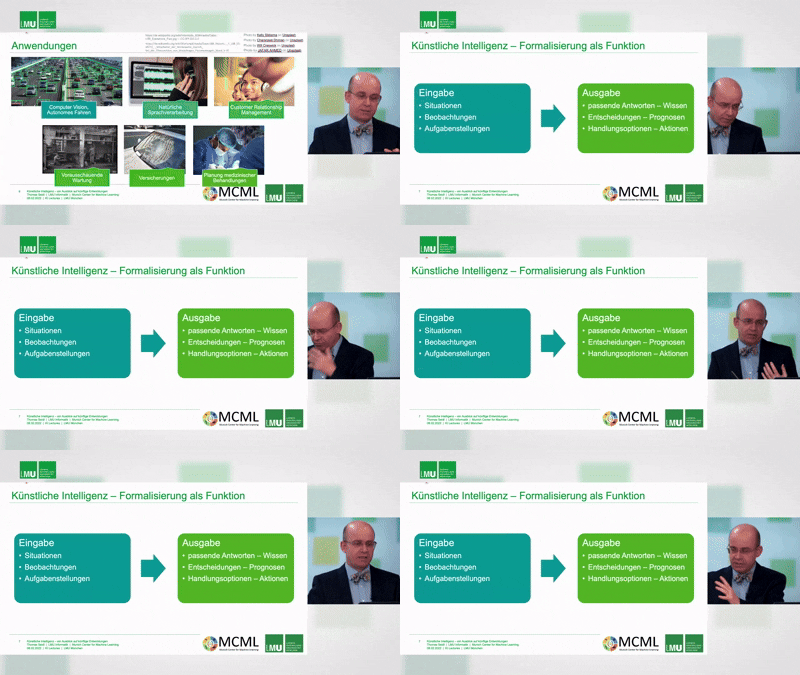
Educational Lectures
Academic and educational lectures usually have information-rich slides that remain on screen long enough for extraction.
- Text-heavy, informative slides
- Slides stay visible for extended periods
- Usually recorded in well-lit environments
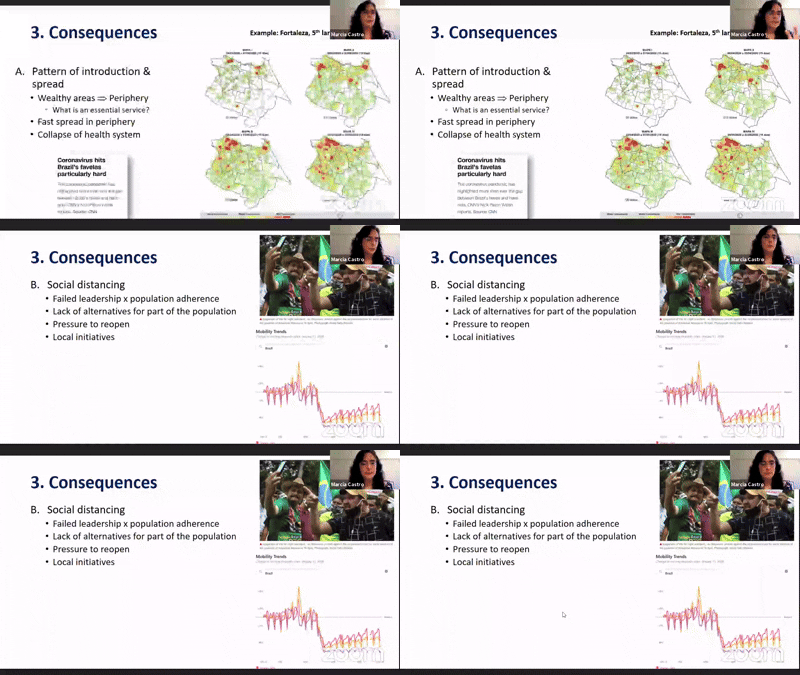
Webinars & Virtual Presentations
Online webinars typically feature screen-shared presentations with excellent slide quality and visibility.
- Direct screen capture of slides
- High resolution digital content
- Minimal visual distractions

Corporate Training Videos
Professional training videos typically have well-structured content with clear, branded slides.
- Professionally designed templates
- Consistent formatting throughout
- Clear section breaks and transitions
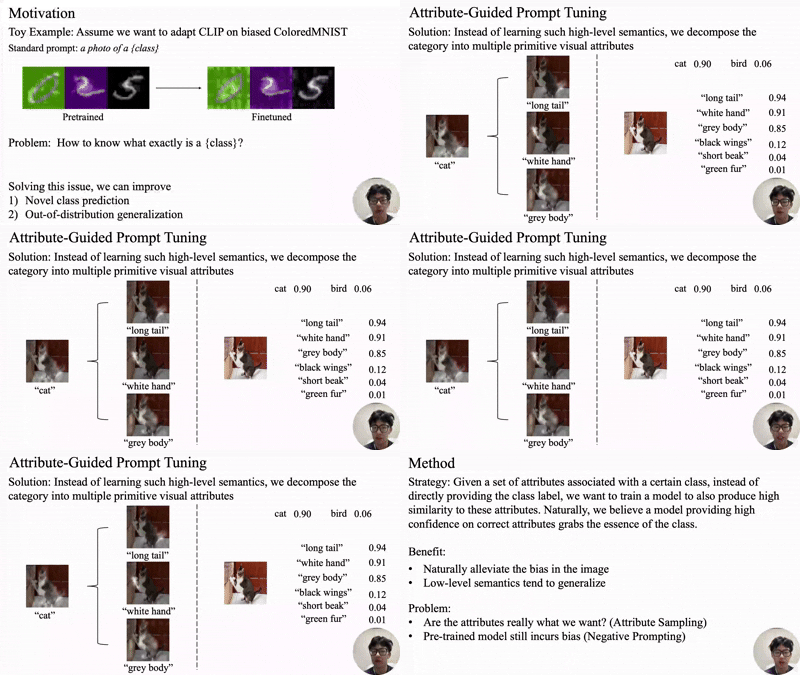
Research Presentations
Academic and scientific presentations with data visualizations, charts, and research findings.
- Data-rich slides with charts and graphs
- Methodical pace with detailed explanations
- Typically recorded in controlled environments

Product Demonstrations
Product demos and walkthroughs that include presentation slides alongside software demonstrations.
- Clear product screenshots and diagrams
- Feature-focused content with visual aids
- Usually includes summary slides between demos
Videos That Don't Work Well
These types of videos may present challenges for SlideStream AI's slide extraction capabilities due to their format or content.

Entertainment Videos
Videos created primarily for entertainment without presentation slides or educational content.
- No slides or presentation content
- Constantly changing visuals
- Focus on entertainment rather than information
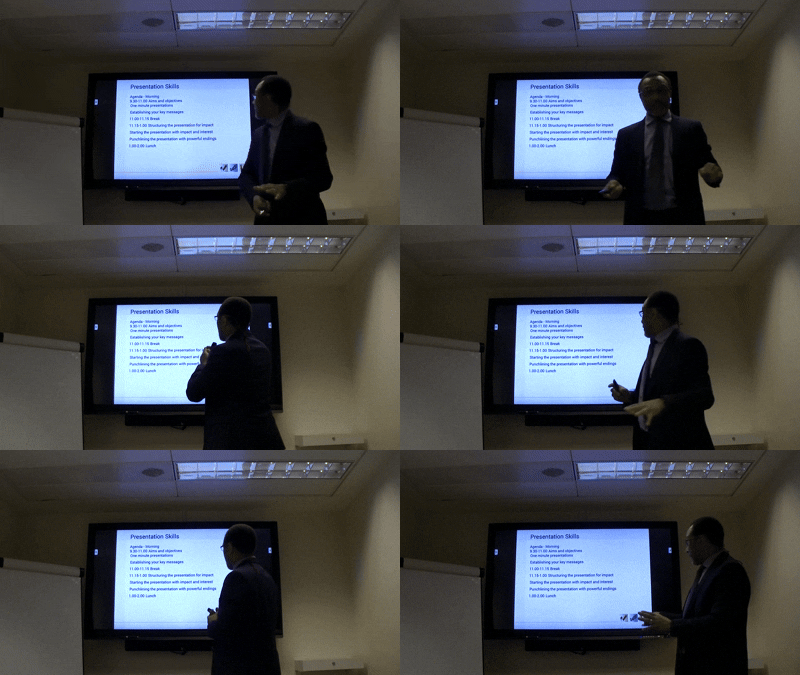
Poorly Lit Presentations
Videos recorded in low-light conditions where slides are difficult to see clearly.
- Low contrast between text and background
- Shadows or glare on projection screens
- Details lost due to poor visibility
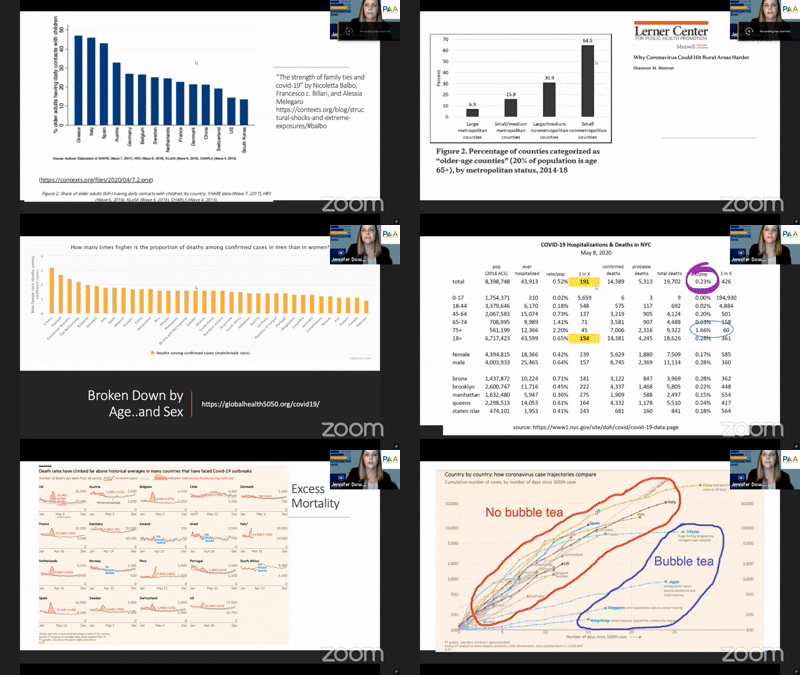
Rapid Slide Transitions
Presentations where slides change very quickly, giving insufficient time for proper extraction.
- Slides visible for less than a few seconds
- Complex transition effects between slides
- Difficult to capture complete slide content
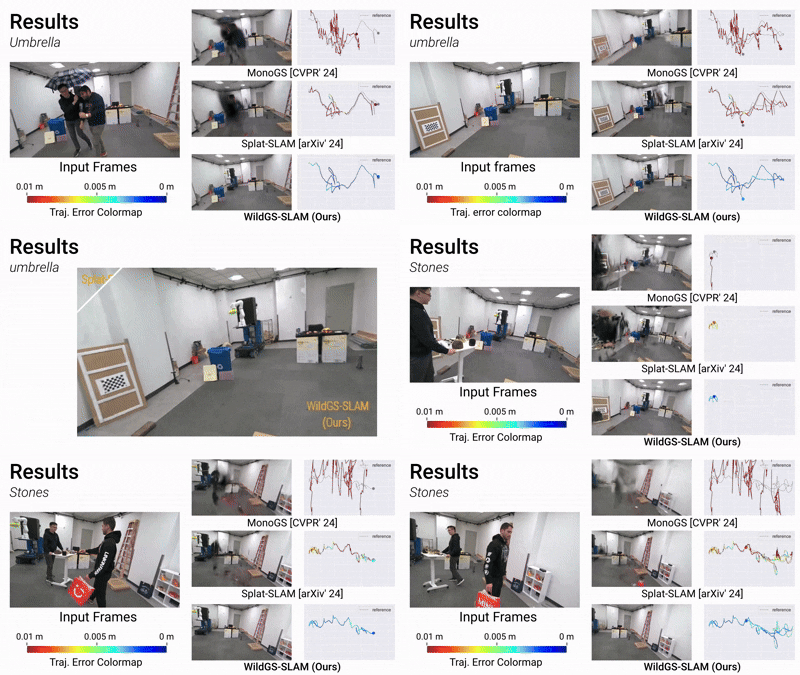
Heavily Animated Presentations
Presentations with constant animations, moving elements, or dynamic content changes.
- Continuous motion on slides
- Text and elements that fade in/out
- Difficult to determine when a slide is "complete"
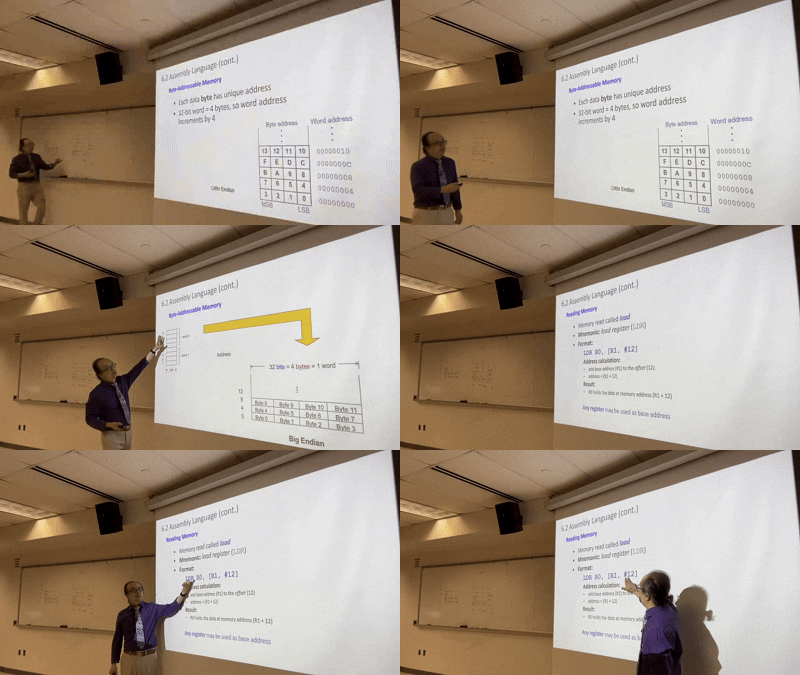
Distant Camera Angles
Videos where the camera is far from the presentation screen, making slides appear small.
- Slides occupy small portion of the frame
- Text too small to be readable
- Wide-angle shots that distort slide content
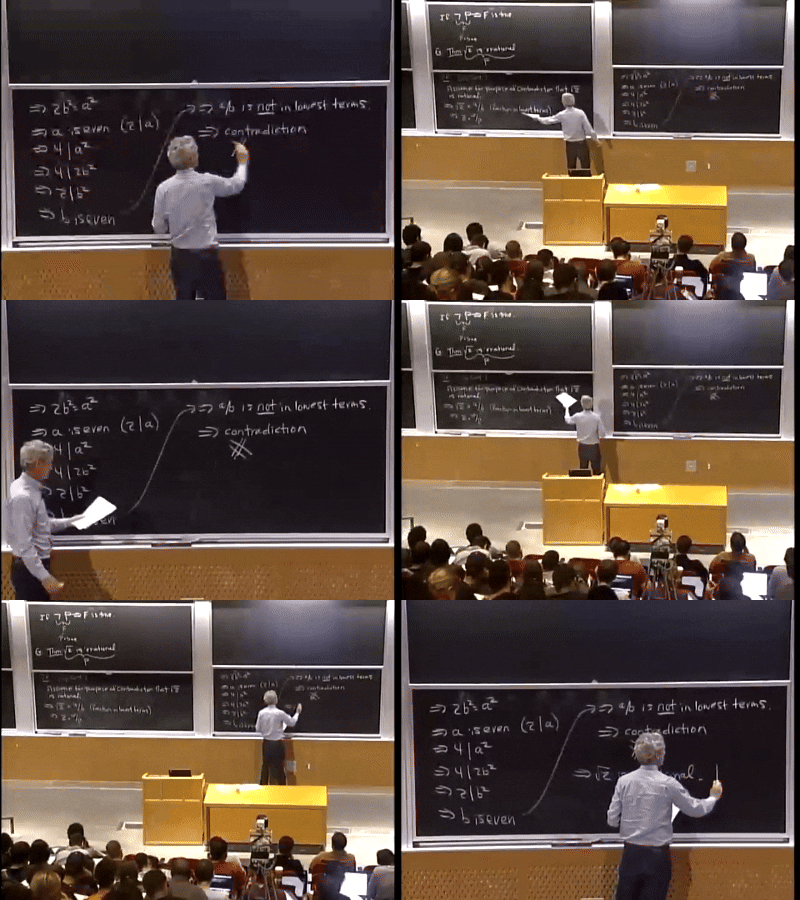
Handwritten or Whiteboard Content
Videos featuring handwritten notes, whiteboard sessions, or live drawing.
- Inconsistent handwriting styles
- Content that builds progressively
- OCR challenges with handwritten text
Tips for Best Results
Follow these recommendations to get the most out of SlideStream AI's slide extraction capabilities.
Choosing the Right Videos
- Select videos where slides are clearly visible and occupy a significant portion of the frame
- Prefer professionally recorded presentations or webinars with direct screen captures
- Look for videos with good lighting and minimal glare on the presentation screen
- Choose content where slides remain visible for at least a few seconds
Optimizing Extraction Results
- Use higher resolution videos (720p or better) for clearer text extraction
- For videos with poor quality, try our AI enhancement feature to improve clarity
- Trim videos to focus only on the presentation portion for faster processing
- For OCR accuracy, choose videos where text is clearly legible and not stylized
Frequently Asked Questions
Can SlideStream extract slides from any video?
While SlideStream works with many types of presentation videos, it performs best with clear, well-lit presentations where slides are prominently displayed. Videos without slides, with poor visibility, or with rapidly changing content may not yield good results.
How does the AI determine what is a slide?
Our AI is trained to recognize common slide layouts, detect significant visual changes that indicate slide transitions, and identify text-rich frames that are likely to be presentation slides. It filters out frames showing only the presenter or audience.
Can I improve extraction results for lower quality videos?
Yes! Our premium features include AI-powered enhancement that can improve clarity and readability of extracted slides. This works particularly well for slightly blurry or low-contrast slides, though it may not fully recover extremely poor quality content.
What about videos with animations or builds on slides?
SlideStream attempts to capture the most complete version of each slide. For slides with progressive builds or animations, it typically captures the final state of the slide when all elements are visible, though results may vary depending on the complexity.
How long does processing typically take?
Processing time depends on video length and complexity. A 30-minute presentation typically takes 1-2 minutes to process. Longer videos or those requiring enhancement and OCR may take additional time.